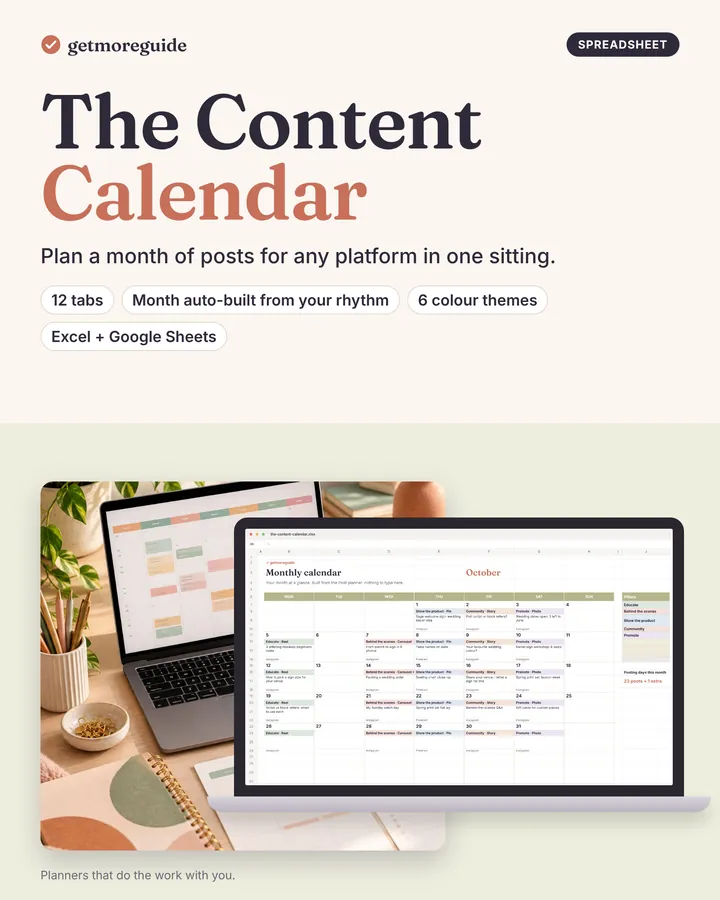
A content calendar spreadsheet for Excel and Google Sheets: set your content pillars and posting rhythm once, and every posting day of the month appears, ready to fill in one sitting.
Who it is for
Small business owners and freelancers who post on Instagram, TikTok, Pinterest, email or a blog and want a month planned in one go.
What's inside
- Cover and Start Here tab: your batch-planning session step by step
- Settings: up to 8 content pillars, platforms, formats and your weekly posting rhythm
- Monthly calendar view: every posting day with pillar colour, format and idea
- Post planner: posting days listed for you, plus extra-post rows; status Idea → Drafted → Scheduled → Posted
- Ideas bank (200 rows) with unused-ideas count per pillar
- Hashtag / keyword bank (50 sets) with hashtag counts
- Results log (300 rows): engagement and engagement rate worked out
- Pillar insights: best pillar, plus results by platform and format, with a chart
- Example month with a 90-minute batch session
- Printable month list
- Next step
- A second copy with a sample month planned and results logged
The signature feature: the batch-planning system
Plan a month in one sitting with content pillars and a posting rhythm; a results log shows the best-performing pillar.
Bonuses (each its own file)
- 365 content ideas in 12 groups (fillable PDF to tick off)
- Hook and caption formulas: 30 hooks + 20 caption formulas with examples
- Content pillar worksheet: example + blank
- Monthly results review: example + blank
Formats
- Excel (.xlsx) with working formulas and dropdowns
- Google Sheets (copy link)
- 6 colour themes, switched from one cell
- Any month: you choose the month to plan
How you get it
Instant download after checkout: one ZIP with the product files, the bonuses and a 2-page Quick Start.
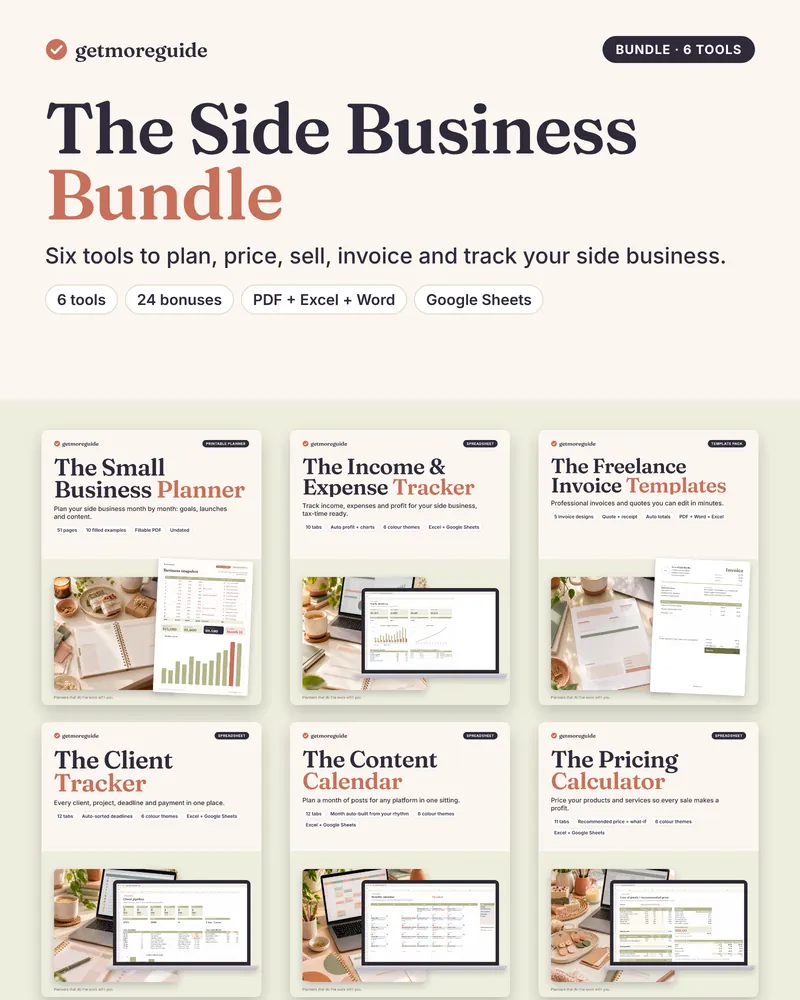
Part of the side business bundle
Get this tool plus 5 more for freelancers and small side businesses: https://getmoreguide.com/the-side-business-bundle/